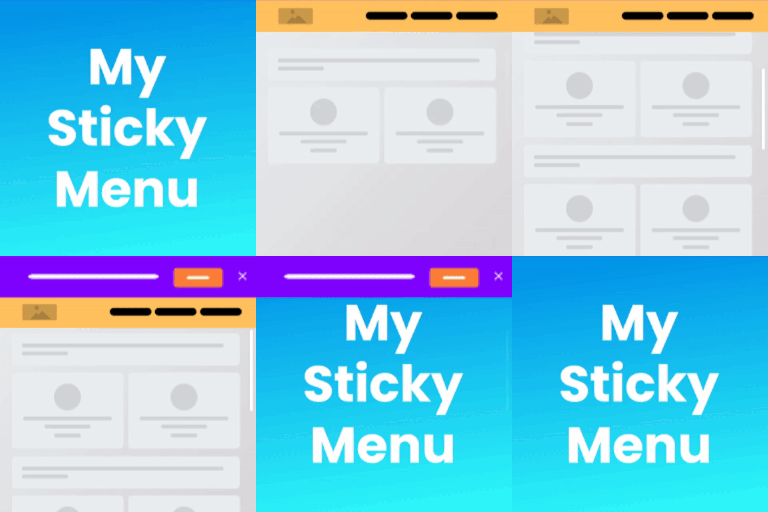
Sticky navigation and notification bars
My Sticky Bar Pro helps WordPress website owners keep important navigation and messages visible while visitors browse. Use it to create a sticky menu or header that remains available at the top of the page, or build floating welcome bars for announcements, promotions, and other timely information.
The plugin is designed for responsive websites and works with WordPress themes and builders including Elementor, Divi, WPBakery, Gutenberg, Visual Composer, and Beaver. Its dashboard brings notification bars, top bars, and sticky menus together in one place, making it easier to manage different types of persistent site content.
Pro welcome bar features
- Create multiple welcome bars and display different notifications according to page targeting rules.
- Show bars on specific pages, after a scroll, or after a selected number of seconds.
- Target visitors by country and choose whether a bar appears on mobile, desktop, or both.
- Set an expiry date and time zone for temporary announcements and promotions.
- Add a countdown timer with a global date and time, or start an individual countdown for each visitor when they arrive.
- Display sliding text in a selected direction for changing content, product promotions, or news-ticker-style messages.
- Include a discount coupon element and show a thank-you screen after a button is clicked.
- Add a contact form that collects a name and email address or a name and phone number, with email notifications for submitted leads.
- Configure button behavior to close the bar, redirect visitors to another URL, or launch a Poptin popup.
- Add a rel attribute to the notification bar button.
Sticky menu controls
Turn on the sticky menu feature to keep a site menu or header at the top of the page. The element that becomes sticky is identified through a class or ID, with .navbar used as the default sticky class. You can modify that value in the plugin settings when a theme uses a different element.
Pro controls include disabling the floating menu on desktop or mobile, disabling it while scrolling down, and enabling or disabling the floating header on specific pages. Custom CSS support provides another way to adjust the appearance of the floating header and notification bars.
Practical uses
Use a sticky header to keep navigation within reach on long pages. Create separate bars for product categories or different languages, announce limited-time promotions with a countdown, or collect contact details without sending visitors to another page. A welcome bar can also communicate important updates while remaining visible at the top of the site.
Installation and setup
Install My Sticky Bar Pro on your WordPress website, then open its dashboard to configure a sticky menu, notification bar, or welcome bar. Select the bar position, enter the message and button details, choose targeting and display conditions, and adjust the sticky class if required by your theme. Preview the result and refine its CSS or behavior before publishing.