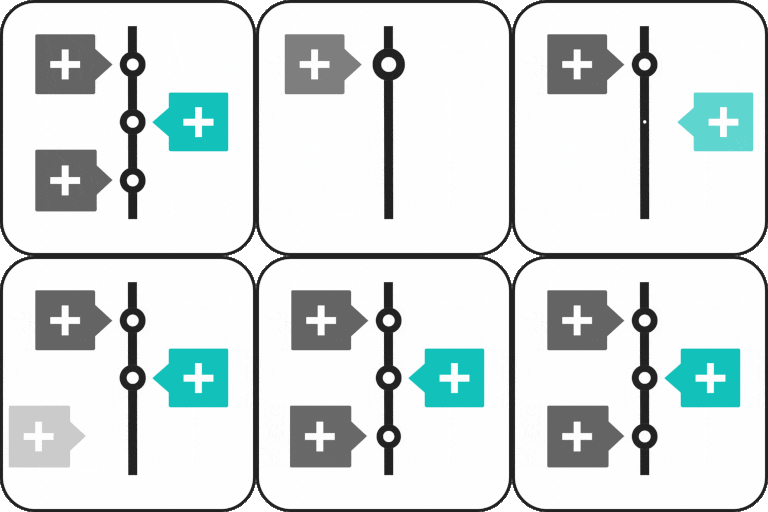
Build visual timelines in Gutenberg
Timeline Block Pro is a paid extension for Timeline Block for Gutenberg, created for building structured, visual timelines directly in the WordPress Block Editor. It can help present company histories, product roadmaps, tutorial steps, programs, appointments, achievements, personal stories, and other sequences of events.
The plugin builds on the timeline block workflow: search for “Timeline Block” in the Gutenberg editor’s “Add Block” section, add the block to a page or post, and organize the content into timeline stories. Pro adds horizontal designs, multimedia support, multiple timelines, and further presentation controls.
Horizontal timeline layouts
Timeline Block Pro offers two horizontal options: Horizontal Default Design and Horizontal Simple Design. These layouts provide an alternative to the vertical timeline format and can be used when a left-to-right sequence better suits the content.
Horizontal timelines are useful for product development stages, company milestones, project phases, event programs, and other content that benefits from a progressive visual flow. The available design choice lets you select a presentation style that fits the page.
Multiple timelines and story content
With Pro, you can create and display multiple timelines on one website and categorize them by different layouts. This can support separate timelines for company history, product updates, tutorials, appointments, or personal achievements without limiting the site to a single timeline presentation.
Timeline stories can include videos, including YouTube videos, images, and slideshows. These media options make it possible to support written milestones with visual or video context. The block also supports “read more” links within timeline stories, including links to additional content or custom URLs.
Markers, styling, and interaction
Pro lets you customize timeline markers using a dot, icon, image, or text. This gives each step a way to identify its subject, category, date, or other short label. Additional visual controls include icon, arrow, and label placement.
- Choose from more than 15 animation effects.
- Enable a center-line filling effect for vertical layouts.
- Customize connectors as an arrow, line, or none.
- Use scrolling navigation to access specific year stories.
- Include read-more links for extended information or custom destinations.
These options can make a timeline easier to scan while giving each story a clearer visual role in the overall sequence.
Practical uses
Use Timeline Block Pro to show how a company developed, explain a process step by step, outline a program, document history, present appointments, highlight job achievements, tell a personal story, or display a product roadmap. Multimedia support is especially useful when individual milestones need images, slideshows, or video.
Installation and workflow
- Install and activate the Timeline Block plugin and its Pro edition in WordPress.
- Open the Gutenberg editor for the page or post where the timeline should appear.
- Select “Add Block” and search for “Timeline Block.”
- Add timeline stories, labels, media, icons, and links.
- Choose a vertical or Pro horizontal design and adjust the available presentation settings.
- Publish or update the page to display the timeline.
Timeline Block is specifically designed for the Gutenberg editor. The supplied information states that it is not intended for non-Gutenberg websites or other page builders.